The organization portal
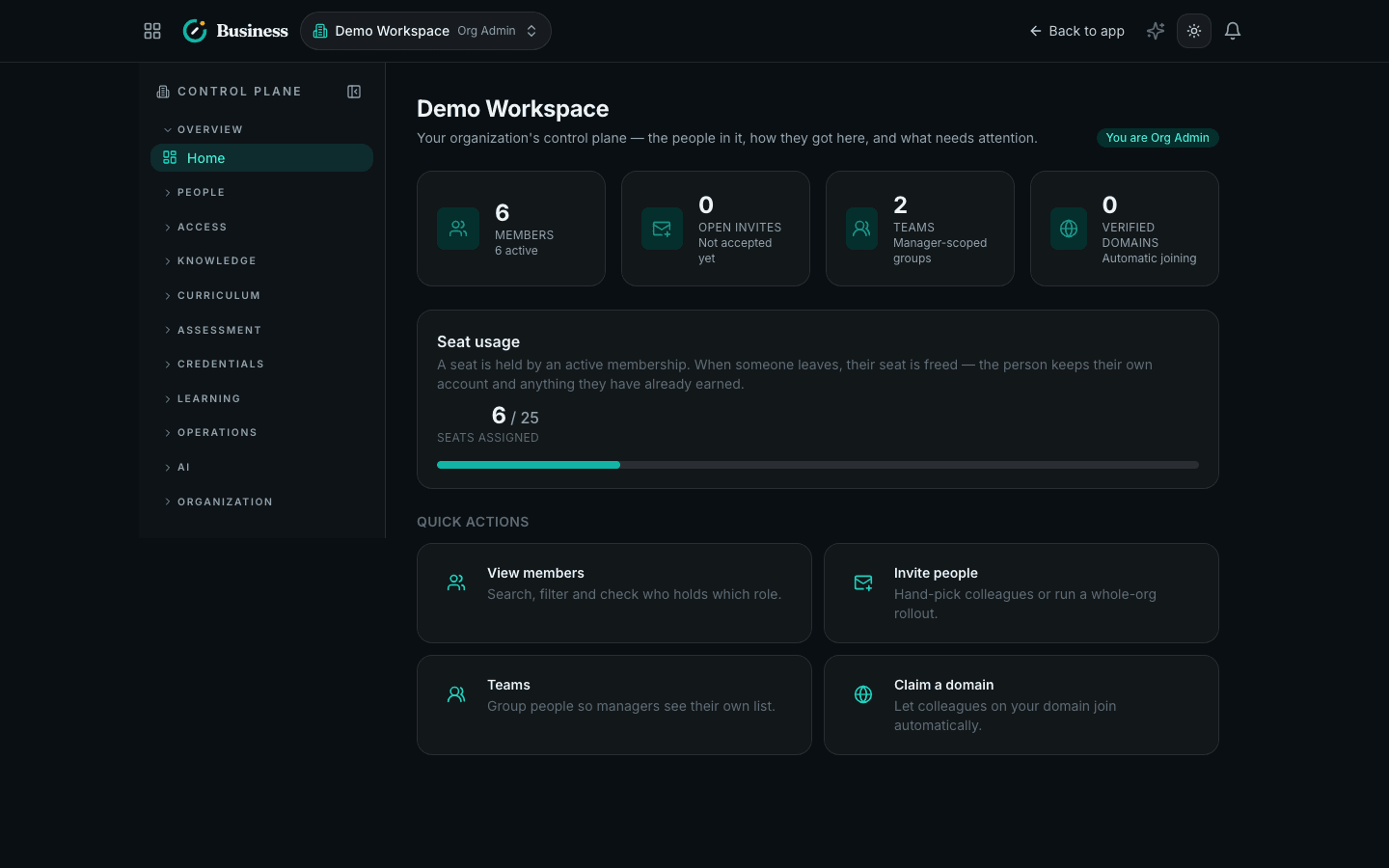
Run your organization's people, teams, invitations and domains from one control plane.
- One place to see who is in your organization and what they can do
- Your miatz account is permanent and personal — organizations come and go around it
- Every administrative action is written to an audit trail you can review
One person, many organizations
miatz separates who you are from where you work.
- Your account is permanent and personal. It carries your learning history, skill map and credentials — for life, across every organization you ever join.
- A membership connects that account to one organization and gives you a role there. You can hold several at once: an employee of one company, a partner engineer at another, a customer learner at a third.
Leaving an organization deactivates the membership. It never deletes you, and it never takes away a credential you earned.
What the portal covers
| Screen | What it does | Who can open it |
|---|---|---|
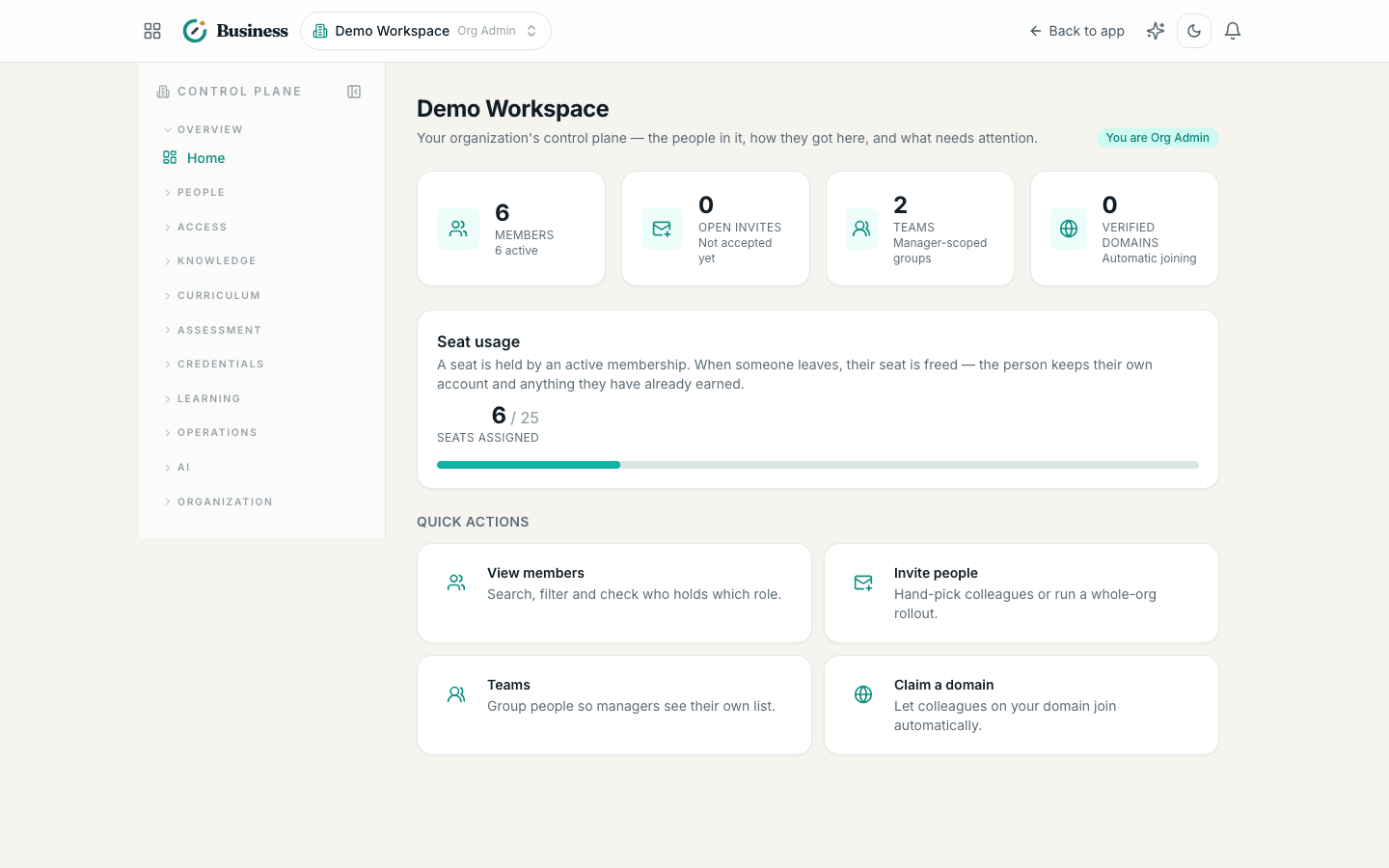
| Overview | Organization summary, seat usage, member counts | Any member |
| Members | The roster, roles, teams and status | Owner, Admin, Enablement, Manager, Analyst |
| Teams | Team structure and managers | Owner, Admin, Enablement, Manager |
| Invitations | Invite people and track acceptance | Owner, Admin, Enablement |
| Domains | Claim an email domain for automatic joining | Owner, Admin |
Roles
Ten roles are available, from Owner (full control) down to Learner. Nobody can grant a role higher than their own, and only an Owner can create another Owner — that rule is enforced in the database, not just in the interface, so it holds no matter how a request arrives.
Every administrative action is written to an audit trail.
Frequently asked
What is the difference between my account and my organization membership?
Your miatz account is you — one permanent identity that carries your learning history, skills and credentials for life. A membership connects that account to one organization, with a role inside it. You can hold memberships in several organizations at once, and leaving one never deletes your account or your credentials.
Who can open the portal?
Anyone holding a membership in the organization, though each screen checks its own role. Members and teams are visible to owners, admins, enablement managers, team managers and analysts; invitations to owners, admins and enablement managers; domains to owners and admins only.
I belong to more than one organization — how do I switch?
Use the organization switcher at the top of the portal. It lists every organization where you hold an active membership and remembers the one you were last working in.
What happens to my credentials if I leave the company?
They stay yours. Removing someone from an organization deactivates the membership; it never deletes the person or revokes credentials they earned. Credentials record that they were issued while the holder was a member.